
Single-photo input
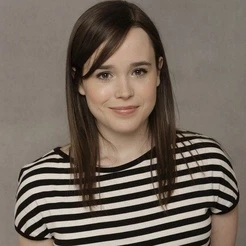
One front-facing photo is all the AI needs. No multi-angle capture, no calibration step — just upload and the model handles alignment automatically.
Upload a clear photo of your face, pick a movie scene target below, and the AI places you into the role — no editing skills needed.
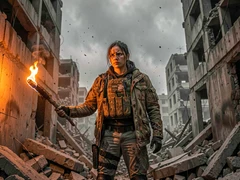
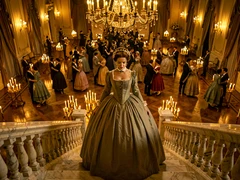
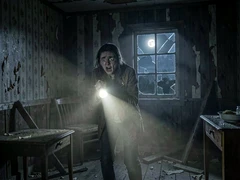
One front-facing photo is all the AI needs. No multi-angle capture, no calibration step — just upload and the model handles alignment automatically.
The result matches the lighting, color grade, and film grain of the target scene rather than pasting a flat face onto it. The swap reads as part of the original frame.
Action, fantasy, sci-fi, horror, period drama — the face swap engine adapts to each genre's visual style without needing separate settings per scene.
The entire face swap runs in the browser. There is no app download, no plugin, and no account required to generate a result.
The AI retains the source character's pose and expression while mapping your facial features onto them, so the scene's emotion stays intact.
Download the finished image directly from the tool. The output is sized for social sharing, messaging apps, and print without extra resizing.
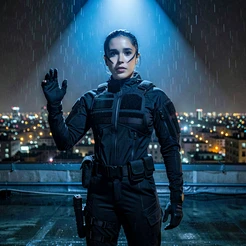
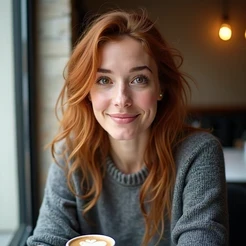
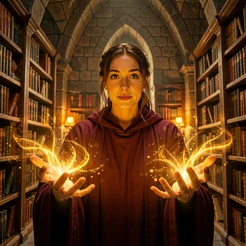
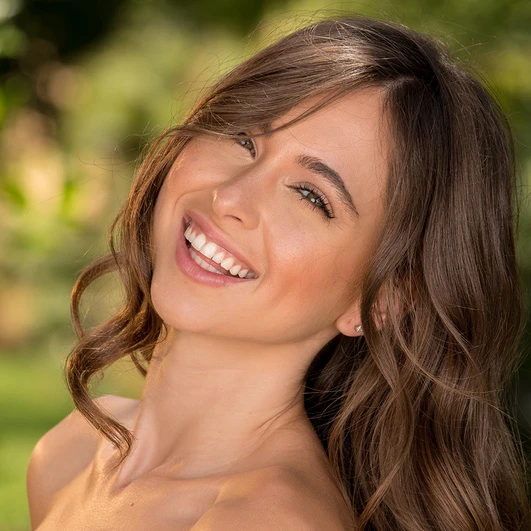
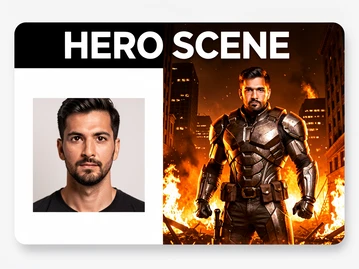
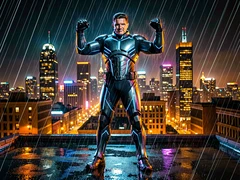
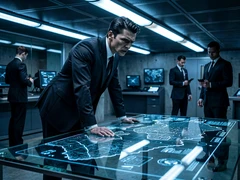
Drop into the lead role of an action blockbuster. This template places your face on the central hero character mid-scene, complete with dramatic lighting and a dynamic background.
Try it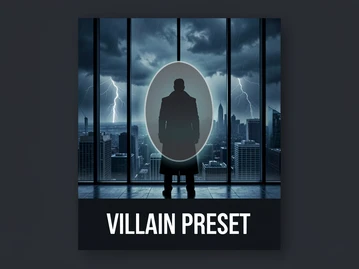
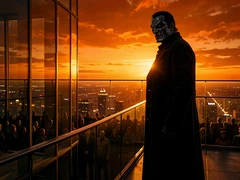
Cast yourself as the antagonist. This preset uses a dramatic backlit composition and a dark color grade to produce a villain portrait that looks pulled from a thriller's climax.
Try it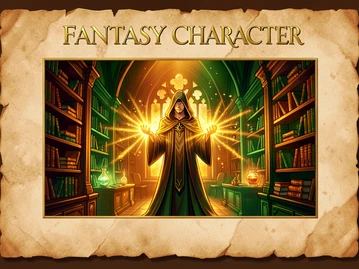
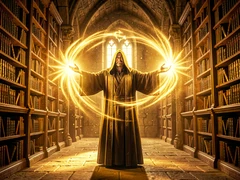
Step into a fantasy epic. This template maps your face onto a robed character in a magical setting, with warm practical lighting that matches the genre's visual language.
Try it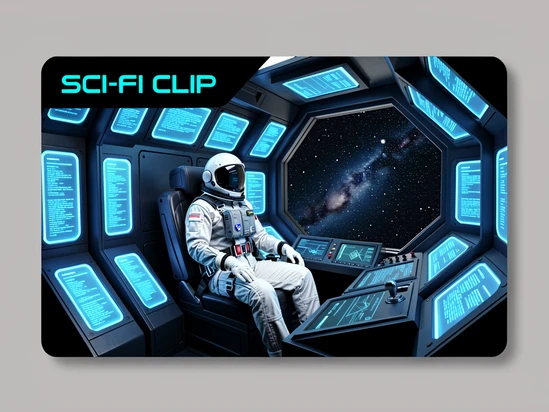
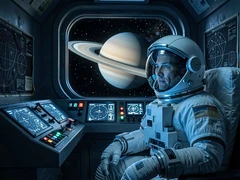
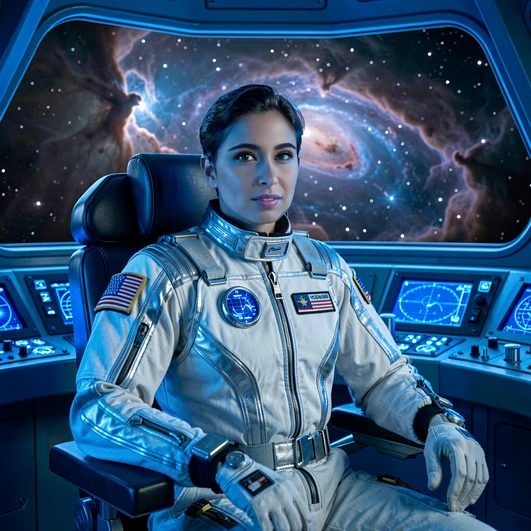
Place yourself inside a science-fiction film frame. This template uses a spacecraft interior setting with cool blue instrument lighting for a convincing genre-accurate result.
Try it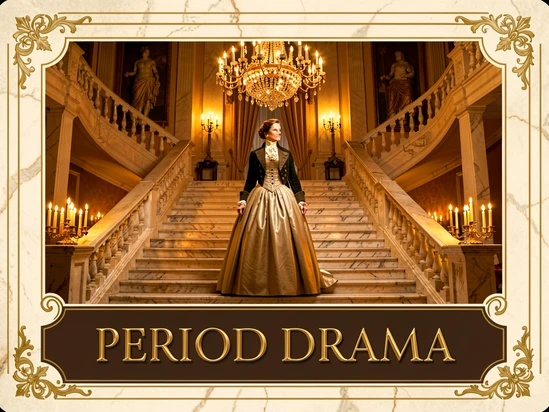
Transport yourself to a 19th-century ballroom or drawing room. This template uses warm candlelight and period-accurate costume details to produce a convincing historical film still.
Try it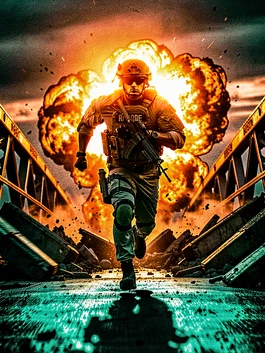
High-contrast lighting, desaturated shadows, and a teal-orange color grade. Best for superhero, spy, and military film scenes where the result needs to feel like a studio production still.
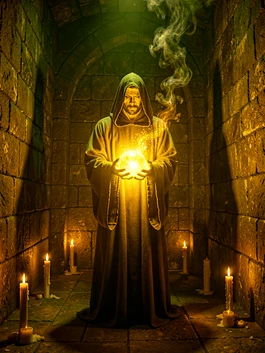
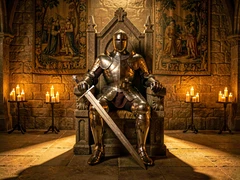
Deep shadows, practical torch and magic-glow lighting, and a warm amber palette. Suited for wizard, knight, and mythological character scenes where atmosphere matters as much as the face.
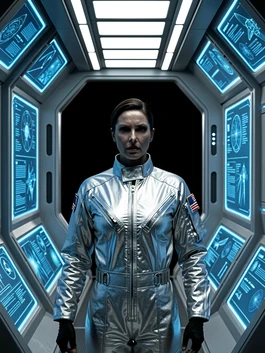
Cool blue and white instrument lighting, clean futuristic environments, and sharp focus. Works well for space opera and near-future thriller scenes where the face needs to read clearly against a dark background.
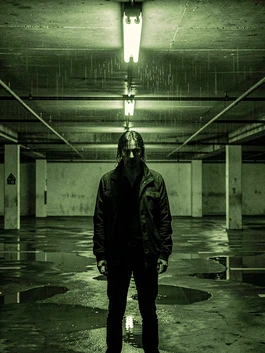
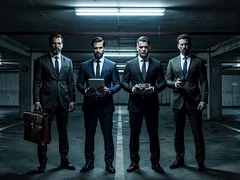
Desaturated tones, harsh practical lighting from single sources, and urban or industrial settings. Ideal for crime, heist, and noir-adjacent movie character swaps.
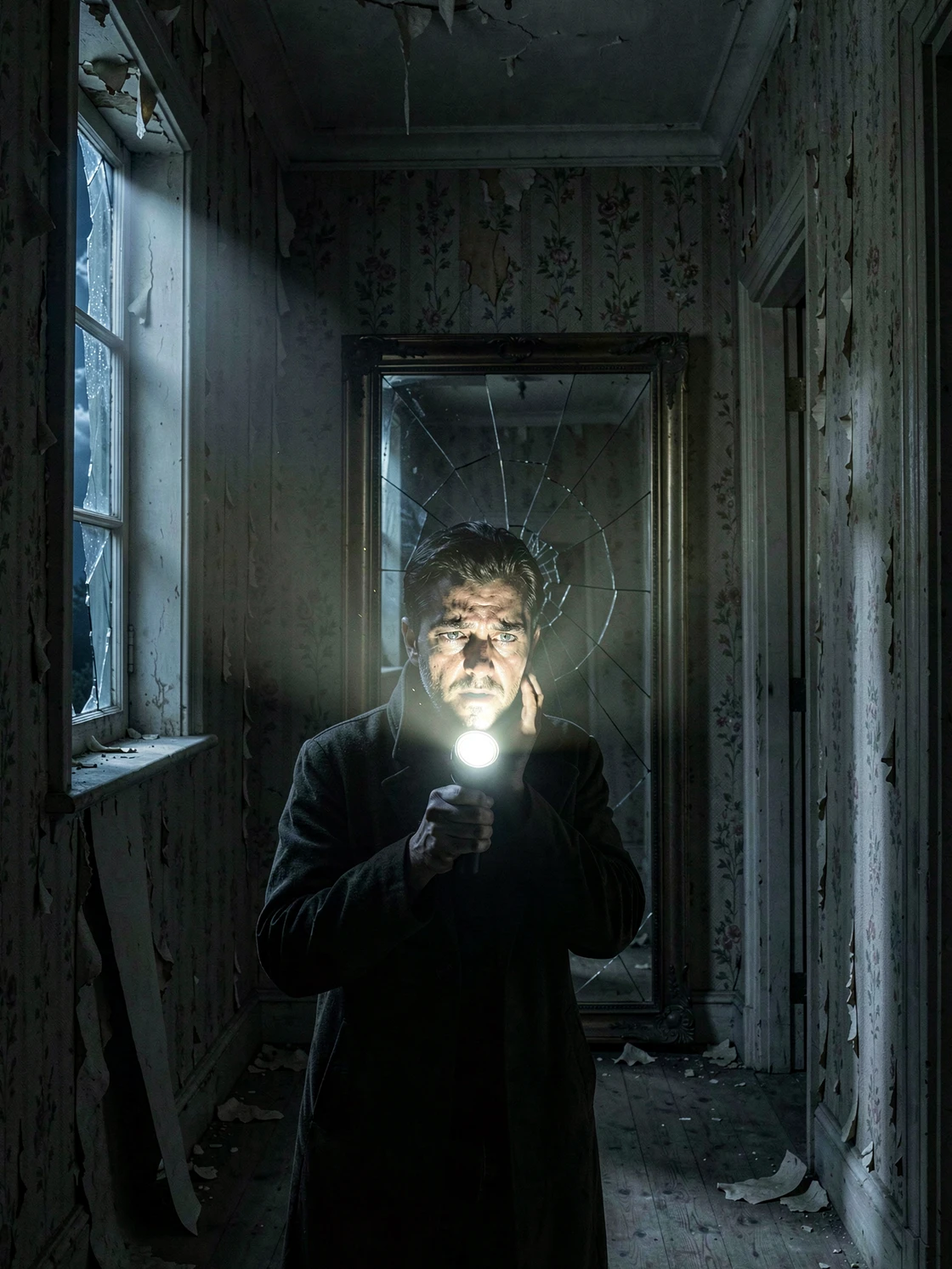
Low-key lighting, deep shadows, and practical sources like flashlights or moonlight. Designed for horror and suspense movie scenes where the face swap result needs to feel genuinely unsettling.
uploaded my pic but i dont get it, do i click a template AND a style or just one?? not super clear
same. picked superhero battle pose and also blockbuster action and nothing visibly changed in the preview lol
you pick the scene first then the style filter, at least that's how the other one i used worked. here it's not obvious tbh
yeah the order of operations is doing a lot of heavy lifting here and nobody explains it
tried this exact kind of thing on another site months ago and gave up too. uploaded a selfie from a wedding in 2019, result had my eyes pointing two different directions
took me a sec to find the upload button ngl. is it that small box at the top or am i missing somewhere
before anyone tries, where does the photo go after upload? not seeing any line about that on the page
the wizard one came out with my forehead like twice the size of normal
the medieval knight throne preview already looks fake before swapping anything
skeptical of that 'no calibration step' line. one front facing photo and it just works? sure
ok so i clicked space explorer cockpit and waited like 53 seconds. came back, screen was blank
wait do i need an account or not. it says no account required but then it asked me to confirm something idk
the template-library and the style-options doing basically the same thing? not seeing the difference
still no answer about where uploads land. asked twice
i think you pick template = the scene composition, style = the color grade. but yeah confusing
result for villain monologue had a watermark across the cheek. didn't see any line about that being a free tier thing
lol same. on the other tool i used you saw the watermark in preview at least, here it surprises you at the end
the 'preserves facial expression' bit is doing a lot of work. mine looked like a mannequin
guys do you upload before or after picking a scene? if i pick scene first the upload box disappears
uploading after gave me an error on Safari, switched to Chrome and it worked. kinda
works on chrome yeah but the result took 38 sec and looked like a different person tbh
what i don't get is why there's no slider for blend strength. every other face swap i've used has that
asked three times now about the photo storage, just gonna assume worst case
the before-after examples on the page are obviously cherry picked, nobody's everyday photo looks that clean coming out
yeah those preview shots look pre-rendered, not actually generated
tried a portrait of my brother for the fantasy wizard one. came out kinda creepy not gonna lie
i'd love to know what 'cinematic output quality' actually means here. it's a marketing line not a setting
ok i think i got it working. but only after picking blockbuster action style, not dark fantasy. dark fantasy gave me a black square.
horror cabin survivor template wouldn't load for me at all. just spinner forever
the spinner thing happened to me too on heist crew lineup...
if anyone got the gritty thriller style to actually look gritty please say. mine looked like a generic instagram filter
right so the answer to the original question, one step or two, is 'depends and the site doesn't say'
still no answer btw
swore i wouldn't use these tools again after the last one but here we are
wait actually my second try worked, used a brighter photo and it came out way better. so maybe lighting on the input matters?
yeah someone above mentioned input quality, makes sense
still don't see where to download the actual full res file. is there a save button anywhere
the download icon is tiny, top right. you have to hover
took me forever to find that too
honestly if there's no blend control this is a one-and-done novelty, not something you'd come back to
agreed. fun maybe once
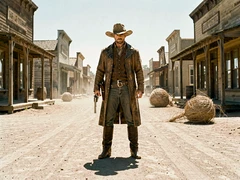
for the western showdown street template do you need a side-angle photo or front?
i tried front-facing on the western one and the hat sat on me weird
the page says one front-facing photo is all the AI needs. supposedly
so... front then. but the hat thing